Form Analytics: Tracking Submissions, Spam, and Conversion Rates
Stop guessing why your forms underperform. Learn which metrics actually matter, how to calculate spam rates, and build a dashboard that shows the truth.
You built a contact form. Traffic hits the page. Submissions trickle in. But something feels off.
Are those numbers good? Bad? Normal? You check your CRM and find a mess of spam entries mixed with real leads. Your bounce rate seems high, but is it? The form loads fine on your laptop, but mobile users might be abandoning at twice the rate.
Without proper form analytics, you’re flying blind. You’re making decisions based on gut feelings instead of data. And in 2024, that’s a competitive disadvantage you can’t afford.
This guide covers the metrics that matter, the formulas you need, and the tools that actually work. No fluff. Just practical analytics you can implement this week.
The Metrics That Actually Matter
Form analytics involves more metrics than most people realize. But not all of them deserve your attention equally. Here’s what to focus on.
Submission Rate
This is your baseline metric. It tells you what percentage of visitors who see your form actually submit it.
Formula:
Submission Rate = (Form Submissions / Form Views) × 100If your contact form gets 1,000 views and 50 submissions, your submission rate is 5%. Industry benchmarks put average form conversion rates between 2.5% and 3%, though this varies wildly by form type. Demo request forms convert higher than generic contact forms. Newsletter signups with a compelling lead magnet outperform those with generic “Stay updated” copy.
A 5% submission rate might sound low, but it could be excellent for a long B2B enterprise form and terrible for a simple email capture. Context matters.
Form Starter Rate
This is the metric most people overlook. It measures how many visitors begin filling out your form versus just viewing it.
Formula:
Starter Rate = (Form Starts / Form Views) × 100A form “start” means someone clicked into a field and began typing. If your view count is high but your starter rate is low, you have a presentation problem. Maybe your form is below the fold. Maybe the surrounding copy doesn’t motivate action. Maybe the form looks too long or intimidating.
If your starter rate is high but completion rate is low, the problem is inside the form itself.
Completion Rate (Conversion Rate)
This measures the percentage of people who actually finish and submit after starting.
Formula:
Completion Rate = (Submissions / Form Starts) × 100This is where you’ll find gold. A 90% completion rate means your form is smooth. A 40% completion rate means something is broken - maybe a confusing field, a validation error that’s too aggressive, or a mobile UX issue.
Abandonment Rate
The flip side of completion rate. How many people gave up?
Formula:
Abandonment Rate = ((Form Starts - Submissions) / Form Starts) × 100Or simply: 100% - Completion Rate
Average abandonment rates hover around 68% for most forms. If you’re significantly higher, you have work to do.
Time to Complete
How long does it take someone to fill out your form? This metric reveals friction points.
If your contact form averages 45 seconds but suddenly one field averages 90 seconds of dwell time, that field is confusing people. Maybe the label is unclear. Maybe validation is overly strict. Maybe users aren’t sure what format you expect.
Track median time, not average. Outliers (someone who stepped away for lunch mid-form) will skew averages into meaninglessness.
Field-Level Drop-off
The most actionable metric in your toolkit. It shows exactly where people abandon.
If 30% of abandons happen at the phone number field, consider making it optional. If the company size dropdown causes hesitation, maybe the options don’t match how your users think about their business.
Field-level analytics turn form optimization from guesswork into science.
Calculating Your Spam Rate
Spam submissions pollute everything. They inflate your metrics, waste your sales team’s time, and corrupt your CRM data. But most teams don’t even know their spam rate because they’ve never calculated it.
The Basic Formula
Spam Rate = (Spam Submissions / Total Submissions) × 100Simple enough. But the challenge is identifying spam in the first place.
How to Identify Spam
Manual review works for low volumes. Pull your last 100 submissions and categorize each as spam, legitimate, or unclear. Common spam indicators:
- Invalid or disposable email domains (tempmail.com, guerrillamail.com)
- Phone numbers that don’t match expected formats
- Message content with obvious spam keywords or excessive links
- Submissions that arrived suspiciously fast (under 3 seconds)
- IP addresses from known datacenter ranges
For higher volumes, you need automation. More on that in the tools section.
What’s a Normal Spam Rate?
Depends heavily on your industry and traffic sources. B2B SaaS companies often see 20-40% spam on open contact forms. Lead generation sites in competitive niches can hit 60-70%. E-commerce contact forms typically land in the 15-25% range.
If your spam rate exceeds 40%, you have a problem worth solving. The hidden costs of form spam compound fast - CRM pollution, wasted sales time, damaged email deliverability.
The True Cost Calculation
Let’s say you get 100 submissions per day with a 35% spam rate. That’s 35 spam leads daily.
Each spam lead consumes approximately 10 minutes of sales time across the lifecycle: initial review, attempted contact, follow-up attempts, CRM cleanup. At $75/hour fully loaded labor cost, that’s $437/day or nearly $160,000/year in wasted sales capacity.
Now your spam rate isn’t just a number. It’s a budget line item.
Conversion Rate Optimization for Forms
You’ve got the metrics. Now what do you do with them? CRO for forms follows a predictable pattern: measure, hypothesize, test, iterate.
Quick Wins That Usually Work
Reduce field count. Every field is friction. Most contact forms don’t need a company size dropdown. Most newsletter signups don’t need a last name. Audit every field and ask: can we survive without this?
Make optional fields obvious. If a field is optional, label it that way. Users don’t want to waste time on anything unnecessary.
Smart defaults and autofill. Let browsers autofill standard fields. Default to the most common option in dropdowns. Pre-fill anything you already know about the user.
Mobile-first design. Half your traffic is probably mobile. Test your forms on actual phones. Tap targets, keyboard types, scrolling behavior all matter.
A/B Testing That Matters
Not all A/B tests are created equal. Focus on high-impact elements:
CTA button copy. “Submit” is generic. “Get My Free Quote” or “Start My Trial” perform better because they remind users what they’re getting. One study found changing from generic text to action-oriented copy increased conversions by over 100%.
Form placement. Above the fold versus inline versus pop-up. Each has tradeoffs. Pop-ups get attention but annoy people. Inline forms feel less intrusive but might get overlooked.
Multi-step versus single-step. Counterintuitively, breaking a 10-field form into 3 steps often increases completion rates. Each step feels manageable. Progress indicators create commitment.
Trust elements. Add security badges, testimonials, or privacy reassurances near the submit button. Trust elements can increase conversions by 10-15% for forms asking sensitive information.
The Trust Factor
61% of users are more likely to complete forms on sites that display trust indicators. This includes:
- SSL indicators (the lock icon)
- Privacy policy links near the form
- “We’ll never share your email” type reassurances
- Security badges if collecting payment info
- Social proof (number of signups, testimonials)
If your form asks for anything beyond name and email, trust signals become essential.
Tools for Form Analytics
You have options ranging from free to enterprise-priced. Here’s what works at each level.
Google Analytics 4
GA4 can track form submissions as events. The setup isn’t trivial - you’ll need to configure event tracking either through Google Tag Manager or custom code - but it’s free and powerful.
For GA4 form tracking, you typically want to capture:
- Form views (the form was visible)
- Form starts (user interacted with the first field)
- Form submissions (successful submit)
- Form errors (validation failures)
GA4 won’t give you field-level analytics out of the box. For that, you need dedicated form analytics tools.
Dedicated Form Analytics Tools
Hotjar and Matomo offer form analytics as part of broader user behavior suites. They can show you:
- Which fields take longest to complete
- Where users hesitate or re-type
- Exactly where abandons happen
- Session recordings of form interactions
This is the level of insight that actually drives optimization.
Form Builder Analytics
If you’re using HubSpot, Typeform, JotForm, or similar platforms, they include their own analytics. HubSpot tracks views, submissions, conversion rates, and can segment by contact type (new versus returning).
The downside: you’re locked into their form infrastructure.
Real-Time Dashboards
For real-time monitoring, Looker Studio (formerly Google Data Studio) connects directly to GA4 and displays live metrics. Tools like Databox aggregate data from multiple sources into unified dashboards.
Real-time matters when you’re running campaigns. If you launch a new landing page and submissions suddenly tank, you want to know immediately - not in tomorrow’s report.
Building a Form Dashboard
A good form dashboard answers three questions at a glance:
- How are our forms performing right now?
- What’s broken or underperforming?
- How do current numbers compare to baseline?
Essential Dashboard Elements
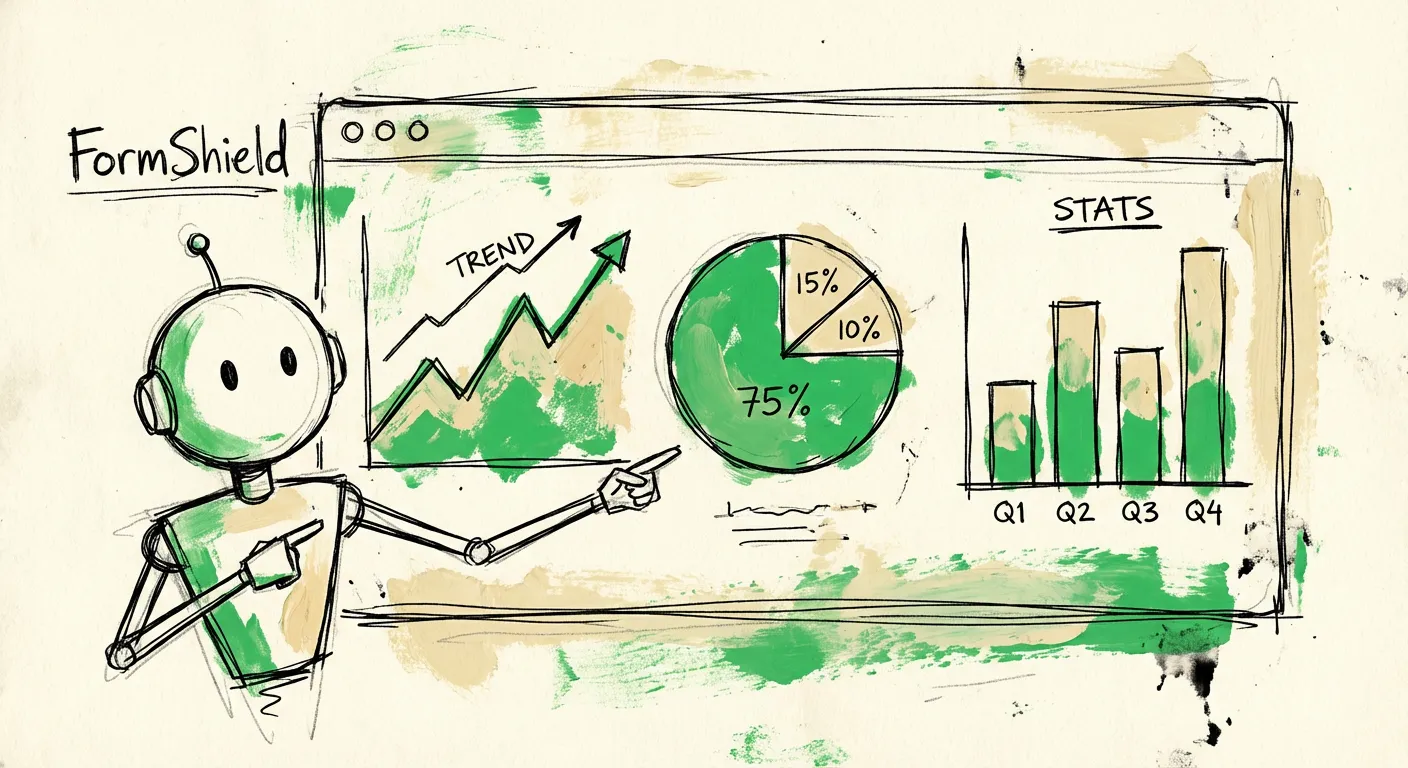
Traffic funnel visualization. Page views → form views → form starts → submissions. Each step should show the drop-off percentage. This funnel immediately reveals your biggest leakage points.
Spam versus legitimate split. Don’t just show total submissions. Break out spam, legitimate, and review-required categories. Your sales team cares about the legitimate number, not the vanity total.
Conversion rate trends. A single number is a snapshot. A 30-day trend shows whether you’re improving or declining. Plot conversion rate over time and look for patterns.
Field-level metrics table. List every field with its average completion time, error rate, and drop-off rate. Sort by drop-off rate descending to prioritize fixes.
Device breakdown. Desktop versus mobile versus tablet performance. Many forms work fine on desktop but fail miserably on mobile. If mobile conversion is half of desktop, that’s your next optimization priority.
Setting Up Alerts
Dashboards only help if you look at them. Set up automated alerts for:
- Conversion rate drops below threshold (e.g., falls 20% below 30-day average)
- Spam rate spikes above normal (suggests new attack pattern)
- Zero submissions in X hours (form might be broken)
- Error rate increases (validation or backend issues)
Catch problems in hours, not weeks.
Connecting to Your Stack
Your form analytics should connect to your broader marketing and sales stack:
- CRM integration for lead quality tracking
- Email platform for nurture campaign metrics
- Ad platforms for cost-per-lead calculation
- Revenue data for form-to-close attribution
The most valuable metric isn’t form conversion rate - it’s form-to-revenue attribution. Which forms produce leads that actually close? That insight changes how you allocate traffic.
FormShield Analytics and Insights
Standard form analytics tell you what happened. FormShield tells you why - and helps you fix it automatically.
Real-Time Spam Intelligence
Every submission through FormShield gets analyzed across multiple signals: IP reputation, email validation, content analysis, and behavioral patterns. You see exactly why something was flagged.
The dashboard shows:
- Total submissions versus blocked spam
- Breakdown by detection method (IP, email, content, behavior)
- Trends in spam patterns over time
- Which forms attract the most attacks
You’re not just measuring spam rate. You’re understanding the attack surface.
Lead Quality Scoring
Beyond spam/not-spam, FormShield provides a quality score for each submission. A score of 2 means likely spam. A score of 8 means highly qualified lead. Scores in between need review.
This scoring connects directly to your CRM. Your sales team can prioritize high-score leads and deprioritize uncertain ones without manually reviewing each submission.
Conversion Impact Tracking
Traditional CAPTCHA solutions hurt conversion rates by 10-30%. FormShield’s invisible approach maintains conversions while blocking spam.
The analytics show your true conversion rate - what percentage of legitimate humans successfully submit - versus the noisy conversion rate that includes blocked bots.
Historical Pattern Analysis
FormShield’s database tracks patterns across all customers. When a new spam campaign starts hitting multiple sites, we detect it early and update defenses automatically.
Your analytics dashboard shows these pattern updates and how they affected your blocking rates.
Putting It Together
Form analytics isn’t about tracking every possible metric. It’s about tracking the right metrics and acting on them.
Start with submission rate and completion rate. Add spam rate tracking. Use field-level analytics to find friction points. Set up alerts so problems don’t hide for weeks.
The companies with the best form performance aren’t guessing. They’re measuring, testing, and iterating systematically.
Your forms are probably leaving money on the table right now. The data will show you exactly where.
Want spam detection that includes built-in analytics? FormShield combines protection and insights in a single API. See exactly what’s spam, what’s real, and what needs review - with no CRM pollution and no sales time wasted on garbage leads.