How Form Spam Destroys Email Deliverability (And How to Fix It)
Form spam tanks your sender reputation through bounces and spam traps. Learn the mechanics and how to recover.
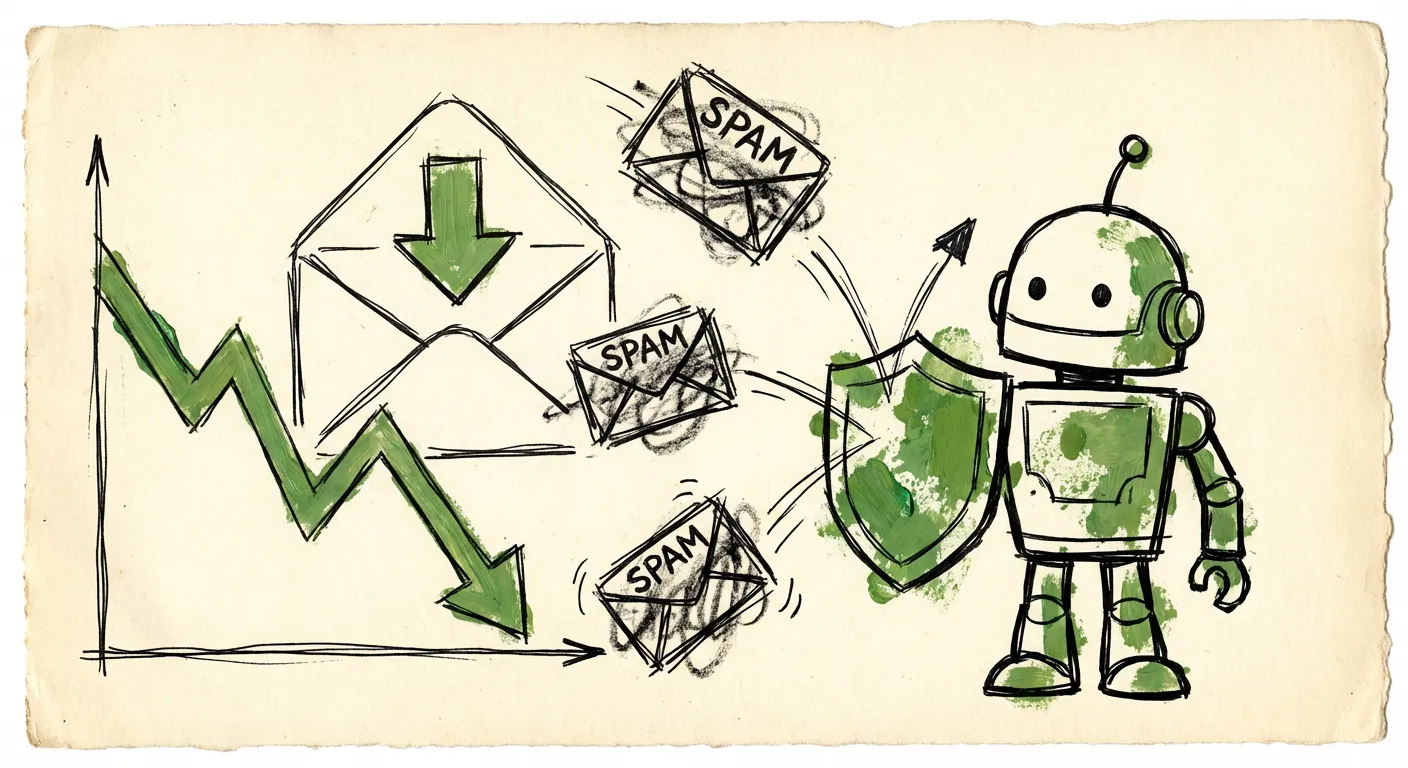
Your contact form just accepted 500 submissions. Great news, right? Except 400 of them were fake emails. Now your autoresponder is firing confirmation emails into the void. Bounces pile up. Spam traps get hit. Your sender reputation crumbles.
Two weeks later, your legitimate welcome emails are landing in spam folders. Your newsletter open rates drop by half. Nobody told you that form spam and email deliverability were connected. But they are. Painfully so.
The Pipeline Problem
Most developers think of form spam as a CRM annoyance. Some fake leads, some wasted sales time. Annoying, but manageable. The true cost runs much deeper.
Here’s what actually happens when spam hits your forms:
- Bot submits fake email address (e.g.,
totally-real-person@gmial.com) - Your system sends a confirmation or follow-up email
- Email bounces (address doesn’t exist)
- Mailbox provider notices the bounce
- Your sender reputation takes a hit
- Repeat 400 times per day
The damage compounds. Each bounce is a signal to ISPs that you’re sending mail to addresses that shouldn’t receive it. That’s exactly what spammers do. So ISPs start treating you like one.
How Sender Reputation Actually Works
Email deliverability isn’t magic. It’s math. ISPs like Gmail, Microsoft, and Yahoo track metrics on every sending domain:
Bounce rate: What percentage of your emails fail to deliver? Industry standard is under 2%. Form spam pushes you to 10%, 20%, or worse.
Complaint rate: How often do recipients mark you as spam? Should be under 0.1%. Hit spam traps and this skyrockets.
Engagement rate: Do people open and click your emails? Fake addresses never engage. Your averages tank.
Spam trap hits: Did you email addresses specifically designed to catch spammers? Game over.
These signals feed into your sender score. Sender Score rates domains from 0-100. Drop below 70 and major ISPs start throttling your mail. Drop below 50 and you’re effectively blacklisted.
According to Validity’s 2023 Email Deliverability Benchmark Report, only 79.8% of legitimate emails reach the inbox globally. The rest hit spam folders or never arrive at all. Poor sender reputation is the number one cause.
The Spam Trap Nightmare
Spam traps are email addresses that should never receive mail. They exist solely to catch senders with bad list hygiene. There are three types:
Pristine traps: Created by ISPs specifically for catching spammers. Never used by real people. If you email one, you scraped it or bought a bad list.
Recycled traps: Old addresses that were abandoned, then repurposed as traps. If you email one, you haven’t cleaned your list in years.
Typo traps: Domains like gmial.com or hotmal.com. Common typos that catch both spammers and forms with no validation.
Form spam floods you with all three. Bots don’t care about typos. They generate random strings. They use old addresses from data breaches. They hit every trap in the book.
One spam trap hit might not destroy you. Hitting them repeatedly? ISPs will block your domain entirely. Google’s sender guidelines explicitly state that spam trap hits result in aggressive filtering or outright blocks.
The Bounce Rate Death Spiral
Let’s do some math. Say you get 100 form submissions per day. Industry averages suggest 30-60% are spam in unprotected forms. We’ll use 40% to be conservative.
That’s 40 fake emails daily. Your autoresponder fires 40 messages to invalid addresses. Maybe 30 hard bounce (address doesn’t exist). That’s 30 bounces per day.
Now you send 1,000 legitimate emails daily (newsletters, transactional, etc.). Your bounce rate becomes:
30 bounces / 1,030 total emails = 2.9% bounce rate
Already over the 2% threshold. Scale to 500 form submissions per day with the same spam ratio? You’re at 200 bounces daily:
200 / 1,200 = 16.7% bounce rate
At that level, Gmail will start rejecting your emails outright. Not spam foldering—rejecting. Your legitimate customers won’t receive password resets, order confirmations, or support responses.
This is the death spiral. More spam leads to higher bounces. Higher bounces lead to worse reputation. Worse reputation means even legitimate emails fail to deliver. And those failures look like bounces too.
Throttling and Blocking: What ISPs Actually Do
ISPs don’t just spam-folder you. They get creative:
Soft throttling: Gmail starts accepting only 50 emails per hour from your domain instead of thousands. Your email queue backs up. Time-sensitive messages arrive hours late.
Deferred delivery: Your emails sit in limbo for 4-24 hours while the ISP “evaluates” them. Customers think you’re ignoring them.
Bulking: All your mail goes to spam folders. Open rates collapse. Your marketing effectiveness drops to near-zero.
Blocking: Your emails are rejected entirely. SMTP errors. Nothing gets through. This is the end state.
Microsoft is particularly aggressive. Their Smart Network Data Services program tracks sender behavior across all Microsoft-owned domains (Outlook, Hotmail, Live). Hit their thresholds and you’re blocked from reaching 400+ million inboxes.
Real Companies, Real Damage
A SaaS company we talked to saw their email deliverability drop from 94% to 61% over three months. Root cause? Their contact form was getting hammered with spam submissions. Every fake email triggered a “Thanks for reaching out!” autoresponder.
Their recovery took four months. They had to:
- Stop all non-critical email sending for two weeks
- Implement aggressive list cleaning
- Set up dedicated IP warming from scratch
- Request manual review from major ISPs
- Rebuild their sender reputation one percentage point at a time
During those four months, their email marketing was effectively dead. Lost revenue? They estimated $180,000 in missed conversions.
Another company, an e-commerce platform, discovered they’d hit a pristine spam trap through form submissions. Google blocked their entire domain for three weeks. Order confirmations didn’t send. Password resets failed. Customer support tickets exploded.
The fix wasn’t technical—it was political. They had to contact Google’s postmaster team directly, prove they’d fixed the problem, and wait for manual reinstatement. Three weeks of customer chaos because their forms had no email validation.
Prevention: Stop the Problem at the Source
The obvious solution: don’t send emails to fake addresses. That means validating emails before they enter your system. Here’s what works:
Syntax and MX Validation
Basic checks: Is this a valid email format? Does the domain have MX records? These catch obvious garbage like asdf@asdf or emails to non-existent domains.
Catches about 20% of spam emails. Cheap and fast to implement.
Disposable Email Detection
Temporary email services like Mailinator, Guerrilla Mail, and 10 Minute Mail generate throwaway addresses. Spammers love them. Blocking these domains eliminates another 15-20% of spam.
The challenge: there are thousands of disposable email domains. New ones appear daily. You need a constantly updated blocklist.
Spam Trap Detection
Some services maintain databases of known spam traps. Query them before sending. This is the nuclear option—hitting a known trap would have destroyed your reputation anyway.
Domain Age and Reputation
Newly registered domains are suspicious. Domains with poor reputation (used in past spam campaigns) are worse. Cross-referencing email domains against reputation databases catches sophisticated spammers who use custom domains.
Behavioral and Content Analysis
The fake email is often just one signal. Spam submissions also tend to have:
- Unrealistic submission timing (form filled in 2 seconds)
- Suspicious content patterns (links, keywords, generic text)
- Bot behavioral signatures (no mouse movement, direct form posts)
Combining email validation with behavioral analysis catches significantly more spam than either alone.
FormShield’s Approach
FormShield’s email validation layer runs these checks in real-time:
- Syntax and format validation
- MX record verification
- Disposable email domain detection
- Domain age and reputation scoring
- Known spam trap identification
When a submission hits your form, FormShield validates the email before your autoresponder fires. Bad emails get flagged or blocked. Your confirmation emails only go to addresses that actually exist.
This single check—running before you send any email—prevents the entire bounce cascade. No bounces means no reputation damage. No reputation damage means your legitimate emails keep landing in inboxes.
Recovery: What If You’re Already Damaged?
If your deliverability is already shot, here’s the recovery playbook:
Step 1: Stop the Bleeding
Implement email validation on all forms immediately. No more fake addresses entering your system. No more bounces from autoresponders.
Step 2: Clean Your Lists
Remove all addresses that have bounced in the last 6 months. Remove addresses that haven’t engaged in 12+ months (potential recycled traps). Run your list through a verification service to catch spam traps you don’t know about.
Step 3: Segment and Warmup
Don’t blast your entire list. Start with your most engaged subscribers—people who opened emails in the last 30 days. Send to them first. Build positive engagement signals.
Gradually expand to less engaged segments over 4-8 weeks. This is IP warming. ISPs see consistent, positive engagement and trust you again.
Step 4: Monitor Everything
Set up feedback loops with major ISPs. Monitor your sender score weekly. Track bounce rates, complaint rates, and engagement by domain. Catch problems early before they cascade.
Postmark’s SMTP Field Guide has excellent detail on recovery tactics and monitoring setup.
Step 5: Request Reviews
If you’re severely blocked, you may need to request manual review:
- Google Postmaster Tools for Gmail issues
- Microsoft SNDS for Outlook/Hotmail
- Yahoo Postmaster for Yahoo Mail
These reviews take time. Plan for weeks, not days.
The Long-Term Fix
Form spam and email deliverability are permanently linked. Every fake email that enters your system is a potential bounce, a potential spam trap hit, a potential nail in your reputation’s coffin.
The fix isn’t complicated:
- Validate emails before they enter your database
- Don’t send emails to addresses you haven’t validated
- Monitor your sender reputation continuously
- Act fast when metrics start declining
FormShield handles step one automatically. Our email validation runs in milliseconds, catching bad addresses before your autoresponder ever fires. Combined with IP intelligence, content analysis, and behavioral detection, you get comprehensive spam protection that keeps your deliverability intact.
Your email reputation took years to build. Form spam can destroy it in weeks. Prevention costs pennies per submission. Recovery costs months of lost revenue and customer trust.
The math is obvious. Protect your forms. Protect your sender reputation. Keep your emails landing where they belong.
Ready to protect your email deliverability? See how FormShield’s email validation works or start your free trial.