How to Add Spam Protection to Framer Forms (The Complete Guide)
Learn how Framer's native form validation works, why spam still gets through, and how to protect your forms with custom code overrides and external validation services.
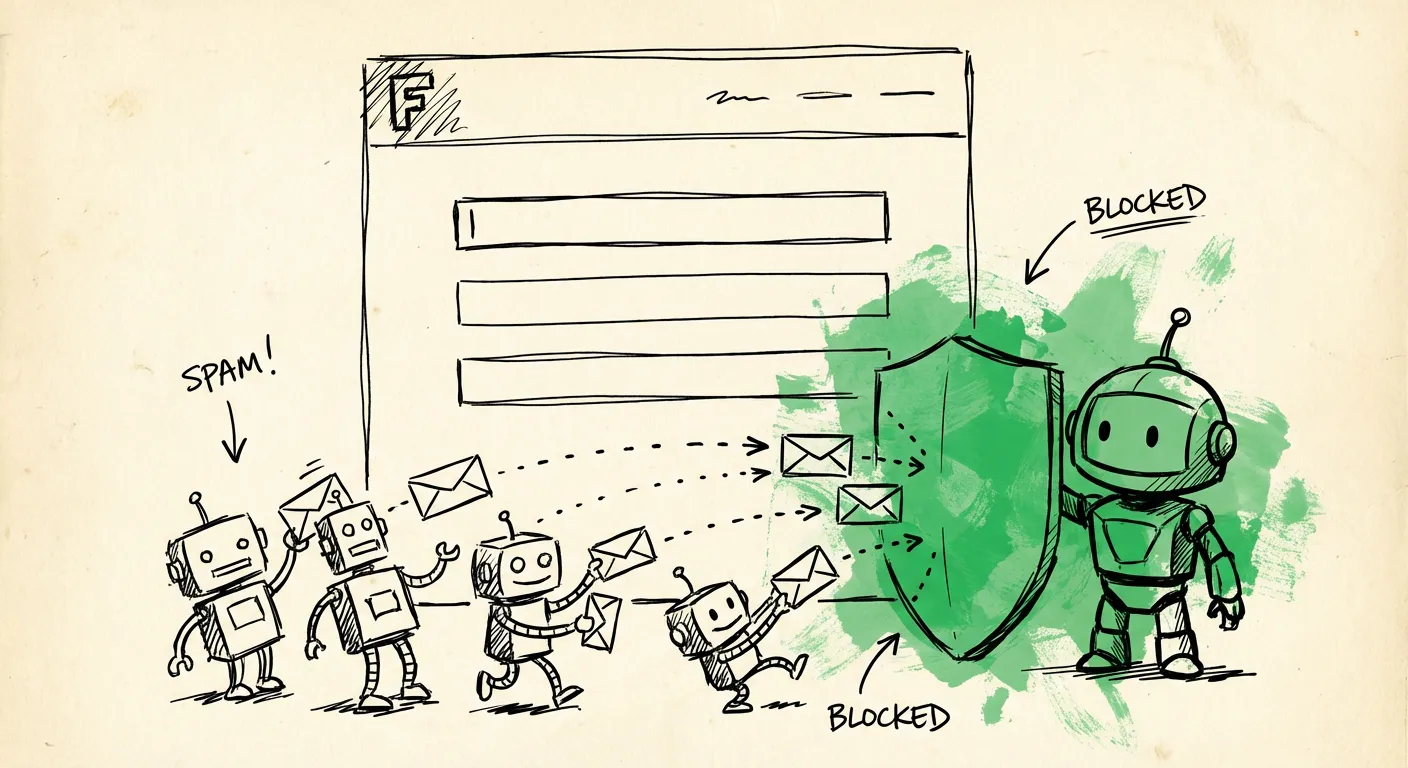
Framer is fantastic for building websites without touching code. You can drag and drop your way to a beautiful portfolio, SaaS landing page, or client project in hours instead of weeks. The native Forms feature launched in mid-2024 made it even easier to collect leads, newsletter signups, and contact messages.
But here’s the problem. Spam bots don’t care how pretty your website is. They see a form, they submit garbage. And suddenly you’re burning through your monthly submission quota on fake leads from “John Smith” at asdf123@tempmail.com offering you SEO services you didn’t ask for.
Let’s fix that. This guide covers everything from Framer’s built-in validation to custom code overrides and external spam protection services.
What Framer Forms Actually Give You
Framer Forms launched in June 2024 as a native solution for collecting form data. No third-party tools required. You get a decent set of features out of the box:
Input types:
- Text fields
- Email inputs
- Checkboxes
- Radio groups
- Select dropdowns
Design flexibility: You can customize everything visually. Focus states, invalid states, checked states, loading states, success states. The form lives on Framer’s freeform canvas, so you’re not fighting with some embedded widget that doesn’t match your design system.
Data submission options:
- Email (form data sent to an inbox)
- Google Sheets (automatic spreadsheet sync)
- Webhooks (send JSON to any endpoint)
Built-in spam protection: Framer includes invisible CAPTCHA-style protection. It runs in the background using a proof-of-work algorithm. The visitor’s browser has to solve a computational puzzle before submission. Simple bots lack the processing power to solve it.
Submission limits by plan:
- Free: 50/month
- Basic: 500/month
- Pro: 2,500/month
That last point is important. Spam eats into your quota. If you’re on the Framer free tier and a bot hits your form 50 times, you’re done for the month. On Basic, you might not notice a few spam submissions. But if you’re running a business and paying for leads, every fake submission costs you real money.
Framer’s Native Validation Options
Before we talk about spam, let’s cover validation. Framer gives you real-time input validation using component variants. Here’s how it works:
Email validation:
When you add an email input, Framer automatically checks the format. If someone types notanemail, the field enters an invalid state. You can style this state however you want - red border, error icon, shake animation.
Required fields: Mark any input as required. If it’s empty on submit, the form won’t go through.
Custom states: You can create component variants for focus, blur, valid, and invalid states. These trigger automatically based on user interaction.
The problem? None of this stops spam.
A bot can enter a syntactically valid email like bot12345@randomdomain.xyz. It passes Framer’s validation. It lands in your inbox. And you’ve just wasted a submission on junk.
Validation checks format. It doesn’t check intent.
Why Spam Still Gets Through
Framer’s built-in spam protection is better than nothing. The proof-of-work challenge blocks simple automated scripts. But modern spam has evolved beyond simple scripts.
Browser automation: Tools like Puppeteer and Playwright let spammers run a real browser. They can solve JavaScript challenges, wait for pages to load, and submit forms just like a human would. Framer’s computational puzzle? Solved automatically by the browser’s JavaScript engine.
Human spam farms: Services exist where real humans get paid pennies to fill out forms. They see your website exactly as you designed it. They fill in fields manually. No bot detection can catch them because they aren’t bots.
Targeted attacks: If someone specifically wants to mess with your form (competitor, disgruntled user, bored teenager), they’ll find a way around basic protections. They’ll study your form, identify the puzzle mechanism, and work around it.
The quota problem: Even if Framer blocks 80% of spam, the 20% that gets through still counts against your monthly limit. On a 500-submission plan, 100 spam messages means you’re paying to receive garbage.
Community forums are full of Framer users asking the same question: “I’m getting spam through my forms. What do I do?”
Third-Party Form Components
The Framer marketplace has several components that add extra spam protection:
Form Spam Protection (by Sajjadul Kibria): A free component that adds triple-layer protection:
- Math challenge: Simple addition problems humans solve easily
- Honeypot field: Hidden input that traps bots
- Time validation: Detects suspiciously fast submissions
This is better than nothing, but each technique has weaknesses. Modern bots can solve basic math. Sophisticated bots skip hidden fields. And time validation can be spoofed by waiting.
Easy Form Validation (by Elon Skira): Adds real-time validation to native Framer forms. Smart validation, custom error messages, better UX. Focuses on validation rather than spam blocking.
FramerForms (third-party service): A more comprehensive solution that integrates reCAPTCHA. You can add Google’s CAPTCHA challenge to any form. This is more robust than proof-of-work, but now you’re asking users to click traffic lights again.
Custom Code Overrides for Spam Protection
If you’re comfortable with code, Framer’s code override system gives you more control. Overrides are React higher-order components that modify element behavior.
Here’s how to add a honeypot field via code override:
// overrides.tsx
import type { ComponentType } from "react"

export function withHoneypot(Component): ComponentType {
  return (props) => {
    const handleSubmit = async (e) => {
      const form = e.target
      const honeypot = form.querySelector('[name="website"]')

      if (honeypot && honeypot.value) {
        // Bot detected - return fake success
        e.preventDefault()
        return
      }

      // Continue with normal submission
    }

    return <Component {...props} onSubmit={handleSubmit} />
  }
}
Then add a hidden input to your form markup:
<div style="position: absolute; left: -9999px;">
  <input type="text" name="website" tabIndex="-1" autoComplete="off" />
</div>
Timing validation override:
// timing-override.tsx
import type { ComponentType } from "react"
import { useRef, useEffect } from "react"

export function withTimingCheck(Component): ComponentType {
  return (props) => {
    const loadTime = useRef(Date.now())

    const handleSubmit = async (e) => {
      const timeSpent = Date.now() - loadTime.current
      const MIN_TIME_MS = 3000 // 3 seconds minimum

      if (timeSpent < MIN_TIME_MS) {
        // Too fast - likely a bot
        e.preventDefault()
        // Optionally show fake success
        return
      }
    }

    return <Component {...props} onSubmit={handleSubmit} />
  }
}
The limitation here is that Framer’s form handling happens outside your override. You’re intercepting the submit event, but Framer’s internal logic might still process the submission. For full control, you’d need to prevent default and handle the entire submission yourself - including sending data to your webhook.
Webhook Integration for Server-Side Validation
The cleanest approach is sending form data to your own backend via webhook, then running spam checks server-side.
In Framer, set up a webhook destination for your form:
- Select the form on canvas
- Click “Add…” next to “Send To”
- Select “Webhook”
- Enter your endpoint URL (must be HTTPS)
Framer sends form data as JSON via POST request. The payload uses your input names as keys:
{
  "name": "John Smith",
  "email": "john@example.com",
  "message": "I'd like to learn more about your services..."
}
Now you can validate on your server before storing or forwarding the data:
// api/form-submission.ts (example for Node.js/Next.js)
export async function POST(request: Request) {
  const data = await request.json()

  // Check for disposable email
  const emailDomain = data.email.split('@')[1]
  if (isDisposableEmail(emailDomain)) {
    return new Response(JSON.stringify({ success: true }), { status: 200 })
  }

  // Check for spam content
  if (containsSpamPatterns(data.message)) {
    return new Response(JSON.stringify({ success: true }), { status: 200 })
  }

  // Rate limit by IP
  const ip = request.headers.get('x-forwarded-for')
  if (await isRateLimited(ip)) {
    return new Response(JSON.stringify({ success: true }), { status: 200 })
  }

  // Process legitimate submission
  await saveToDatabase(data)
  await sendNotificationEmail(data)

  return new Response(JSON.stringify({ success: true }), { status: 200 })
}
Notice we return fake success even for spam. This prevents spammers from learning which submissions got blocked.
Webhook signature validation:
Framer supports secret-based signature verification. Set a secret (minimum 32 characters) in your webhook destination. Framer includes a Framer-Webhook-Submission-Id header and signs each request. You can verify the signature on your server to ensure requests genuinely come from Framer.
Framer + FormShield Integration
Building your own spam detection pipeline is doable but requires ongoing maintenance. Email disposability lists change daily. New VPN services pop up. Spam patterns evolve. You’d need to:
- Maintain lists of disposable email domains
- Track IP reputation data
- Build content analysis heuristics
- Monitor false positive rates
- Adjust thresholds as spam adapts
This is exactly what FormShield handles for you.
FormShield is a single API endpoint that combines IP intelligence, email validation, AI content analysis, and behavioral signals. You send us the submission data, we return a spam score and recommended action.
Here’s how a Framer + FormShield integration works:
Step 1: Set up your webhook Point your Framer form to your backend endpoint.
Step 2: Call FormShield from your backend
// Your webhook handler
export async function POST(request: Request) {
  const data = await request.json()
  const ip = request.headers.get('x-forwarded-for') || 'unknown'

  // Check with FormShield
  const spamCheck = await fetch('https://api.formshield.dev/v1/check', {
    method: 'POST',
    headers: {
      'Content-Type': 'application/json',
      'Authorization': `Bearer ${process.env.FORMSHIELD_API_KEY}`
    },
    body: JSON.stringify({
      email: data.email,
      name: data.name,
      content: data.message,
      ip: ip,
      formId: 'framer-contact'
    })
  })

  const result = await spamCheck.json()

  if (result.action === 'block') {
    // Spam detected - return fake success
    return new Response(JSON.stringify({ success: true }), { status: 200 })
  }

  if (result.action === 'review') {
    // Uncertain - queue for human review
    await queueForReview(data, result.signals)
    return new Response(JSON.stringify({ success: true }), { status: 200 })
  }

  // Clean submission - process normally
  await processSubmission(data)
  return new Response(JSON.stringify({ success: true }), { status: 200 })
}
What FormShield checks:
- IP reputation (VPN/datacenter detection, threat scoring)
- Email validation (disposable detection, MX verification, domain age)
- Content analysis (AI-powered spam pattern detection)
- Behavioral signals (submission timing, bot patterns)
You get a detailed breakdown of exactly why something was flagged. Not a black box - full transparency.
Using BuildShip or Zapier: If you don’t want to maintain a backend, services like BuildShip let you create webhook workflows visually. Connect your Framer form to BuildShip, add FormShield as an API step, then route clean submissions to your CRM, email, or database.
Best Practices for Framer Form Protection
Based on what works and what doesn’t:
1. Layer your defenses Don’t rely on a single technique. Use Framer’s built-in protection AND a honeypot AND timing validation AND server-side checks. Each layer catches spam the others miss.
2. Validate on the server Client-side checks are easily bypassed. The real filtering happens on your backend where spammers can’t see your logic.
3. Return fake success for spam Never reveal that a submission was blocked. Return the same success response regardless. This prevents spammers from reverse-engineering your defenses.
4. Monitor your submissions Keep an eye on what’s coming through. Patterns emerge. Maybe all spam comes from the same email domain. Maybe it contains the same phrases. Use this intel to improve your filtering.
5. Consider the user experience Every friction point costs you conversions. CAPTCHAs reduce completion rates. Math challenges annoy legitimate users. The best protection is invisible.
When Framer’s Native Protection Is Enough
To be fair, not every Framer site needs enterprise-grade spam protection.
If you’re running a personal portfolio with a contact form that gets a few messages a month, Framer’s built-in protection probably works fine. The occasional spam message isn’t worth the overhead of custom code or external services.
But if you’re:
- Running a business that depends on form leads
- On a limited submission plan where spam hurts your quota
- Dealing with targeted spam attacks
- Processing sensitive information
…then you need something more robust than a proof-of-work puzzle.
Getting Started
Here’s the path I’d recommend:
For simple sites:
- Use Framer’s native forms
- Enable built-in spam protection (it’s on by default)
- Set up email notifications to review submissions
For business-critical forms:
- Set up a webhook endpoint
- Add FormShield for comprehensive spam detection
- Route clean leads to your CRM automatically
- Queue uncertain submissions for human review
The goal is stopping spam without annoying real users. CAPTCHAs fail that test. Invisible, multi-signal detection passes it.
Your Framer site is beautiful. Your form submissions should be clean too. Check out FormShield if you want spam detection that actually works.