Building GDPR Compliant Contact Forms: A Developer's Guide
Stop guessing about EU privacy law. Consent checkboxes, data minimization, retention policies, and erasure rights - everything you need to know.
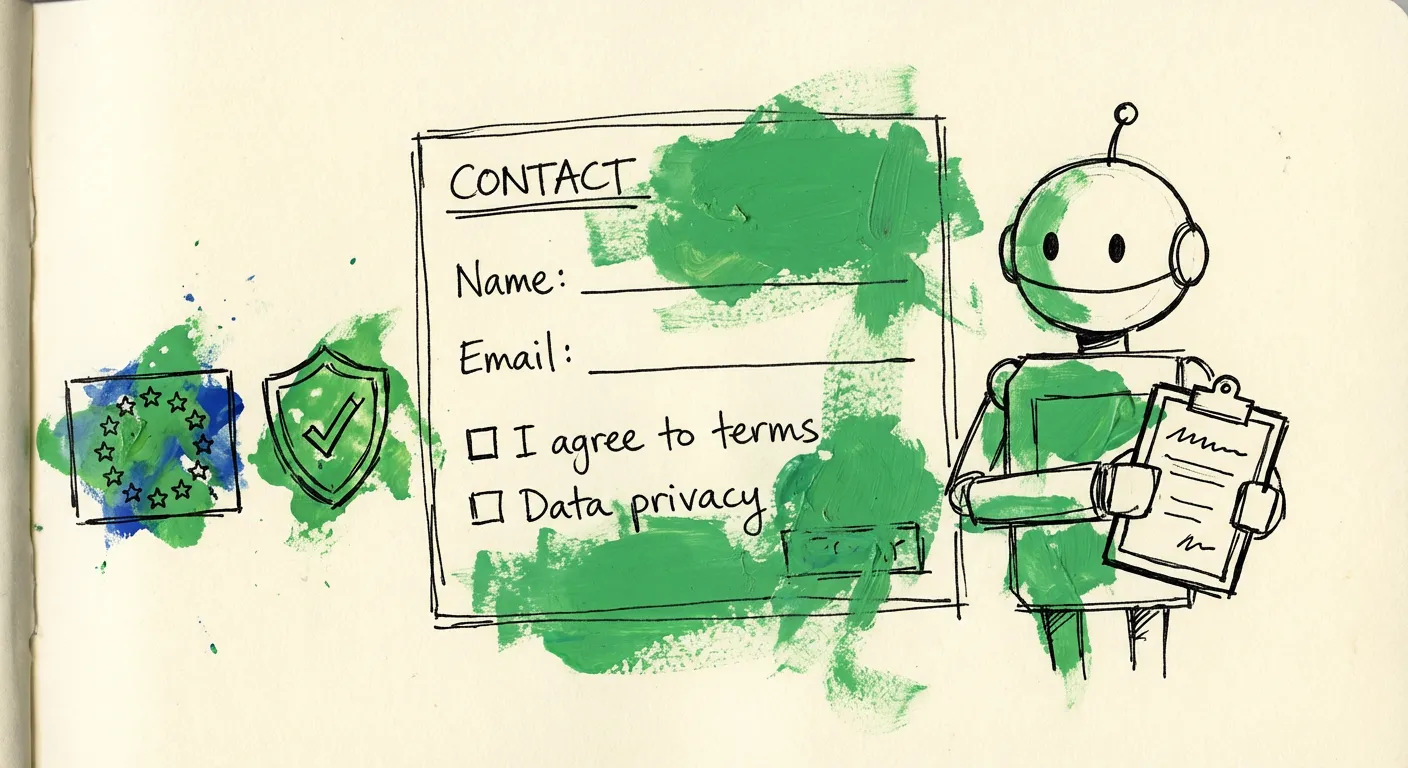
Your contact form probably violates GDPR. Not because you’re careless. Because the regulation is 99 articles of dense legal text, and nobody has time to read all of it.
The fines are real though. Up to 20 million euros or 4% of global annual turnover. Whichever hurts more. And regulators have been handing them out like parking tickets since 2018.
Here’s the good news: making your forms compliant isn’t rocket science. It’s a checklist. This guide covers the actual requirements, not the paranoid interpretations that have you slapping 47 consent checkboxes on a simple contact form.
What GDPR Actually Requires for Forms
GDPR doesn’t mention contact forms specifically. It talks about processing personal data. Your form collects names, emails, maybe phone numbers. That’s personal data. So the rules apply.
The core principles that matter for forms are:
- Lawfulness - You need a legal basis to process the data
- Transparency - Users must know what you’re doing with their data
- Data minimization - Only collect what you actually need
- Storage limitation - Don’t keep data forever
- Accountability - Document everything
For a basic contact form, your legal basis is usually “legitimate interest” - someone submitted a form, they obviously want a response. You don’t need consent for that. But if you’re going to add them to a marketing list? Now you need explicit consent.
This is where companies mess up. They conflate “responding to an inquiry” with “everything else we want to do with the data.”
Consent Checkboxes: What You Actually Need
Let’s clear up the biggest misconception: you don’t need a consent checkbox just because you have a contact form.
If someone fills out a “Contact Us” form asking about your services, legitimate interest covers responding to them. The checkbox madness happens when forms do multiple things.
Here’s when you do need checkboxes:
Marketing communications. If you want to send newsletters, promotional emails, or any marketing content - you need a separate, unchecked checkbox. Not bundled with anything else.
<label>
  <input type="checkbox" name="marketing" />
  I agree to receive promotional emails about products and offers
</label>
Third-party sharing. Passing data to partners, affiliates, or any external party requires separate consent.
Profiling or automated decisions. If you’re using the data for AI-powered lead scoring or automated categorization, disclose it.
The key requirements from GDPR consent guidelines:
- Pre-checked boxes are banned. Period. Users must actively check them.
- Granular consent. Each purpose needs its own checkbox. No bundling “accept our terms, privacy policy, and marketing” into one.
- No dark patterns. The “Yes, sign me up!” button can’t be three times bigger than the “No thanks” option.
- Easy withdrawal. Unsubscribing must be as easy as subscribing.
What you don’t need: a checkbox for agreeing to your privacy policy before submitting a contact form. A link to the policy is sufficient. Making users tick a box doesn’t add legal protection - it just adds friction.
Privacy Notices: What to Include
Every form needs an adjacent privacy notice. Not a link to your 8,000-word privacy policy buried in the footer. A concise statement near the form explaining:
- Who you are (company name, basic contact details)
- What data you’re collecting and why
- How long you’ll keep it
- Their rights (access, deletion, etc.)
- Who else might receive the data
Here’s a practical example:
<p class="privacy-notice">
  We'll use your name and email to respond to your inquiry.
  Your data will be deleted after 90 days unless we enter into
  a business relationship. You can request deletion at any time
  by emailing privacy@yourcompany.com.
  <a href="/privacy">Full privacy policy</a>.
</p>
Short. Specific. No legal jargon. The ICO guidance emphasizes that transparency means actually informing people, not burying information in documents nobody reads.
Data Minimization: Stop Collecting Everything
The data minimization principle in Article 5(1)(c) requires that personal data be “adequate, relevant and limited to what is necessary.”
Translation: if you don’t need it, don’t ask for it.
Audit your contact form. Does a general inquiry really require:
- Phone number?
- Company name?
- Job title?
- Address?
- How they heard about you?
Every field you add is data you must protect, store securely, and eventually delete. More fields also mean lower conversion rates. Win-win for removing them.
A newsletter signup needs one thing: an email address. A contact form needs a name and email. Maybe a message field. That’s it.
Some practical rules:
Mark optional fields, not required ones. If most fields are required, mark the optional ones. Users should know exactly what’s mandatory.
Remove unused fields. Run a query on your submissions. If nobody ever fills out “Company Size,” delete the field.
Question every dropdown. Industry selectors, budget ranges, employee counts - do you actually use this data? Or does it just sit in a database?
A European fashion retailer stripped fields like “occupation” and “preferred contact time” from their checkout process. They were collecting data they never used. Sound familiar?
Storage and Retention: You Can’t Keep Data Forever
GDPR doesn’t give you a specific number of days. It says keep data “no longer than is necessary for the purposes for which the personal data are processed.”
This vagueness frustrates developers. You want a number. Here’s how to think about it.
Contact form submissions: If someone asks a question and you answer it, how long do you need that data? 30 days? 90 days? Once the conversation ends, what purpose does keeping it serve?
Lead inquiries: If you’re in active sales discussions, retention is justified. If they went cold six months ago, why keep the data?
Marketing lists: As long as they’re subscribed and engaged. If someone hasn’t opened an email in 18 months, they’ve effectively withdrawn consent.
The European Commission guidance is clear: you cannot keep data indefinitely “just in case” or because there’s “a small possibility” you might use it.
Create a retention schedule. Document it. Implement automated deletion. Here’s a simple approach:
// Cron job to clean old submissions
async function cleanOldSubmissions() {
  const ninetyDaysAgo = new Date();
  ninetyDaysAgo.setDate(ninetyDaysAgo.getDate() - 90);

  await db.contactSubmissions.deleteMany({
    where: {
      createdAt: { lt: ninetyDaysAgo },
      status: 'resolved' // Only delete closed inquiries
    }
  });
}
For data you need to keep longer (legal requirements, ongoing contracts), document the justification. “We might need it someday” doesn’t cut it.
Right to Erasure: Actually Deleting Data
Article 17 gives people the “right to be forgotten.” When someone asks you to delete their data, you have 30 days to comply.
This sounds simple until you realize your data lives in:
- Your database
- Email inbox and sent folders
- CRM system
- Analytics platforms
- Backup systems
- Third-party integrations
- Marketing automation tools
- Help desk software
The technical requirements for erasure include verification that deletion actually happened across all systems.
Building this capability requires upfront planning:
1. Map your data flows. Where does form data go after submission? Draw the diagram. Every system that receives personal data needs a deletion procedure.
2. Create a deletion API or procedure. When a request comes in, you shouldn’t be manually clicking through five different admin panels.
async function handleErasureRequest(email: string) {
  const results = {
    database: await deleteFromDatabase(email),
    crm: await deleteFromCRM(email),
    emailLists: await removeFromMailingLists(email),
    analytics: await anonymizeAnalytics(email)
  };

  // Log the erasure (without storing the deleted data)
  await logErasureCompleted({
    requestDate: new Date(),
    completionDate: new Date(),
    systemsCleared: Object.keys(results)
  });

  return results;
}
3. Handle backup complications. Backups make true deletion tricky. The accepted approach: flag the data for deletion, and when backups cycle through their retention period, the data naturally disappears. Document this process.
4. Notify third parties. If you shared the data with anyone, you must inform them of the deletion request. This is why minimizing third-party sharing makes your life easier.
One thing you’re allowed to keep: a record that you processed the deletion request. Just don’t store the actual personal data in that log.
Technical Implementation Tips
Encrypted transmission
All forms must use HTTPS. This isn’t optional and hasn’t been for years. If you’re still running forms over HTTP, fix that before worrying about consent checkboxes.
Honeypots over CAPTCHAs
Traditional CAPTCHAs can create accessibility issues and user friction. Honeypot fields - invisible to real users but filled by bots - are GDPR-friendlier because they don’t require additional data processing or third-party services.
<!-- Hidden from users, visible to bots -->
<div style="position: absolute; left: -9999px;">
  <input type="text" name="website" tabindex="-1" autocomplete="off" />
</div>
Check if website has a value. Humans won’t fill it. Bots will.
Server-side validation
Client-side validation is for user experience. Server-side validation is for security. Never trust form input. Sanitize everything before storage.
Audit logging
Log when data is collected, accessed, modified, and deleted. Not the data itself - just the actions. This supports your accountability obligations and helps respond to subject access requests.
interface AuditLog {
  timestamp: Date;
  action: 'create' | 'read' | 'update' | 'delete';
  dataType: 'contact_submission';
  recordId: string;
  userId?: string; // Who performed the action
  reason?: string;
}
Common Mistakes to Avoid
Bundled consent. “By submitting this form, you agree to our terms, privacy policy, and receiving marketing emails.” No. These are separate things requiring separate consent.
Pre-checked newsletter signup. The classic violation. Still everywhere. Still illegal.
No privacy notice at the form. Linking to a privacy policy isn’t enough. Summarize the relevant parts at the point of collection.
Indefinite retention. “We keep data for as long as necessary.” Necessary for what? Be specific. Define periods.
No deletion process. When someone emails asking for their data to be deleted, do you have a documented procedure? Or does someone manually dig through databases?
Ignoring backups. Data exists in more places than your production database. Account for all of them.
Dark patterns for consent withdrawal. If signing up takes one click and unsubscribing requires sending a notarized letter, you’re doing it wrong.
How FormShield Handles GDPR Compliance
Building spam protection for forms while staying GDPR compliant is tricky. You need to analyze submissions to detect spam, but you also can’t store personal data indefinitely.
FormShield approaches this problem with privacy built in:
PII hashing. We hash email addresses and other identifiers before storing them in our spam reputation database. The hash lets us recognize repeat offenders without storing actual email addresses in plain text. As the European Data Protection Supervisor notes, hashing is a recognized pseudonymization technique under GDPR.
No content storage. We analyze submission content for spam patterns, but we don’t store the actual message text long-term. The analysis happens in real-time, we return a verdict, and the content is discarded.
EU hosting option. For businesses that need data to stay in the European Economic Area, we offer EU-based processing. No transatlantic data transfers to worry about.
Minimal data collection. Our API needs an IP address and email to work. We don’t require you to send us full submission content if you only want IP and email reputation checks.
Automatic data retention. Submission metadata is automatically purged according to configurable retention periods. Set it to 30 days, 90 days, whatever your policy requires.
The goal is simple: you get spam protection without creating a GDPR liability. Check out our how it works page for the technical details.
A Practical Compliance Checklist
Before you launch that form:
- Form uses HTTPS
- Only collecting necessary fields
- Privacy notice visible near the form
- Marketing consent is a separate, unchecked checkbox
- Privacy policy link accessible
- Retention period defined and documented
- Deletion procedure exists and is documented
- Data flow mapped (where does form data go?)
- Third-party processors documented with DPAs in place
- Subject access request process defined
- Audit logging implemented
Wrapping Up
GDPR compliance for contact forms isn’t about covering every legal edge case. It’s about respecting people’s data.
Collect only what you need. Tell people what you’re doing with it. Don’t keep it forever. Delete it when asked.
The companies getting fined aren’t the ones making honest mistakes. They’re the ones treating personal data as an asset to hoard indefinitely, consent as a checkbox to hide, and deletion requests as annoyances to ignore.
Build forms that you’d feel comfortable submitting your own data to. That’s the standard.
Need spam protection that doesn’t create a GDPR headache? Try FormShield. We built privacy into the architecture so you don’t have to bolt it on later.