Cloudflare Turnstile vs reCAPTCHA: Which Should You Choose?
A head-to-head comparison of Cloudflare Turnstile and Google reCAPTCHA. We break down privacy, performance, pricing, and false positives - plus why neither fully stops modern spam.
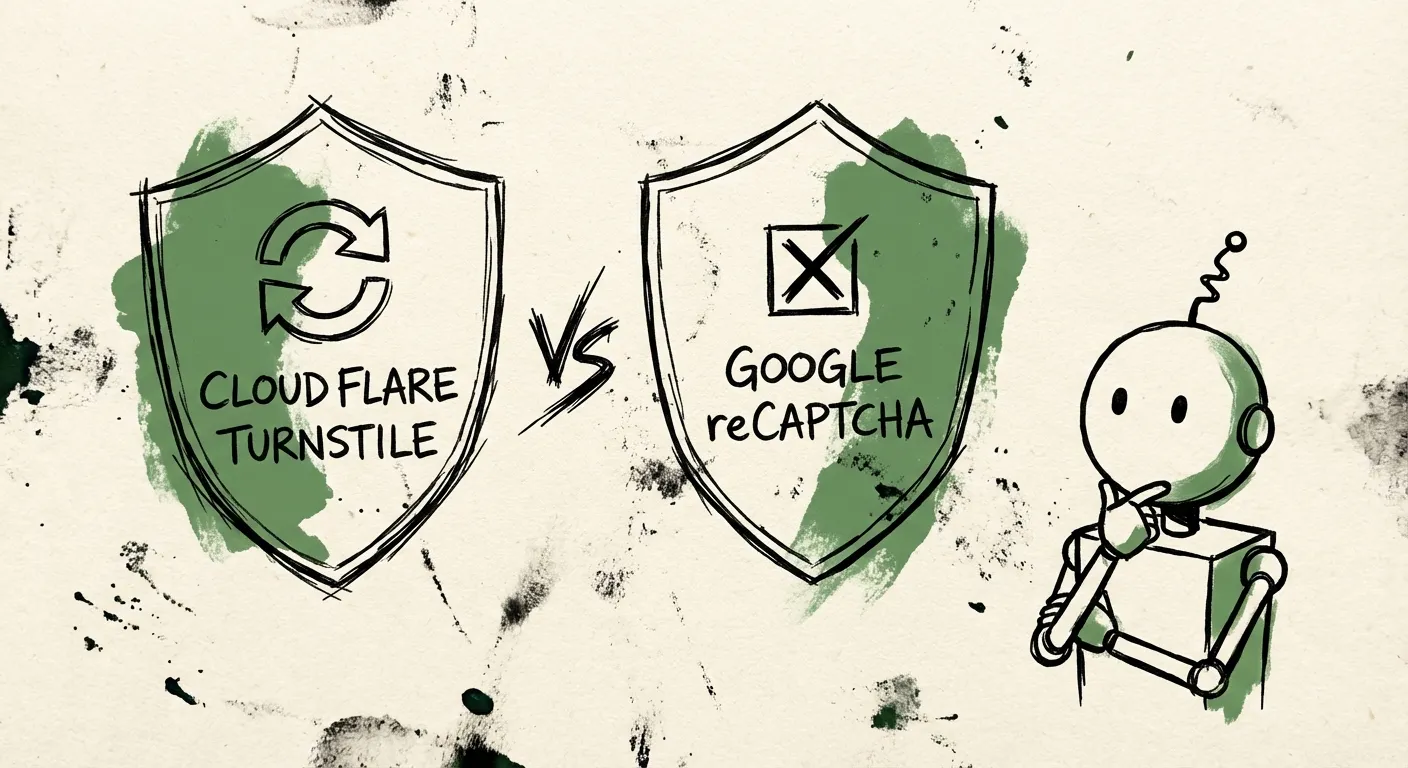
You’ve got a contact form. Bots are hammering it. Time to add a CAPTCHA.
But which one? Google reCAPTCHA has been the default for over a decade. Cloudflare Turnstile is the new kid promising a better experience. Both claim to stop bots without annoying users.
The reality? They’re fundamentally different tools with different tradeoffs. And neither one is the silver bullet you’re hoping for.
Here’s the honest breakdown.
How They Actually Work
Both tools try to distinguish humans from bots, but they take different approaches.
reCAPTCHA’s Approach
Google reCAPTCHA v3 runs invisibly in the background. It monitors everything: mouse movements, scroll patterns, time on page, click behavior, browser fingerprints. All this data feeds into Google’s machine learning models, which spit out a score from 0.0 (definitely a bot) to 1.0 (definitely human).
When the score falls in the gray zone, reCAPTCHA forces a visual challenge. You know the ones - “Click all the traffic lights” or “Select every bicycle.” These challenges are powered by Google’s image labeling datasets, which means you’re literally training their AI while proving you’re human.
The older reCAPTCHA v2 skips the invisible scoring and goes straight to challenges. That’s the “I’m not a robot” checkbox. Seems simple, but behind that checkbox is the same behavioral analysis - the checkbox is mostly theater.
Turnstile’s Approach
Cloudflare Turnstile takes a different path. Instead of extensive behavioral tracking, it uses a mix of:
- JavaScript challenges (computational puzzles your browser solves automatically)
- Device fingerprinting (less invasive than it sounds)
- Cloudflare’s network-level signals (they see a lot of traffic patterns)
- Apple’s Private Access Tokens (for iOS/macOS users, the device itself vouches for you)
Most users never see anything except a brief loading spinner. No clicking pictures of crosswalks. No squinting at distorted text. It just happens.
The key architectural difference: Turnstile is designed to work with minimal data collection, while reCAPTCHA is built to maximize data collection for better accuracy.
Privacy: The Uncomfortable Truth
Let’s talk about what these tools are actually doing with your users’ data.
reCAPTCHA’s Data Appetite
Google reCAPTCHA collects a lot. IP addresses, browser info, device fingerprints, mouse movements, keystrokes, time spent on page, cookies that enable cross-site tracking. All of this flows back to Google’s servers in the US.
This creates real problems for GDPR compliance. The French data protection authority (CNIL) has ruled that reCAPTCHA requires explicit user consent before activation - it’s not “strictly necessary” for website functionality. That means you need a cookie consent banner, and if users decline, you can’t use reCAPTCHA at all.
Here’s the catch-22: GDPR says consent must be “freely given” - you can’t deny service if someone refuses. But reCAPTCHA is supposed to protect your forms. If bots can just click “decline cookies” and bypass your protection, what’s the point?
Several European companies have already been fined for improper reCAPTCHA implementation. CITYSCOOT got hit with a €125,000 fine. NS CARDS FRANCE paid €105,000. This isn’t theoretical risk.
Turnstile’s Privacy Stance
Cloudflare explicitly states that Turnstile doesn’t use cookies, doesn’t harvest data for ad targeting, and collects only what’s necessary for bot detection. They act as a data processor (following your instructions) rather than a controller (using data for their own purposes).
Turnstile still collects some data - IP addresses, TLS fingerprints, user-agent headers. But it’s minimal compared to reCAPTCHA, and it stays within the scope of “blocking bots” rather than feeding a larger advertising ecosystem.
For Private Access Token users on Apple devices, Cloudflare doesn’t even see most of this. Apple validates the device directly, and Cloudflare just gets a thumbs-up/thumbs-down.
Is Turnstile perfectly GDPR-compliant out of the box? That’s for your lawyers to decide. But it’s clearly designed with privacy regulations in mind, while reCAPTCHA was designed in an era when nobody cared.
Performance Impact: Death by a Thousand Milliseconds
Every external script you load costs you. Both solutions add overhead, but the scale is different.
reCAPTCHA’s Weight Problem
Loading reCAPTCHA triggers a request to gstatic.com that adds roughly 127KB to your page. That doesn’t sound like much until you realize it’s render-blocking JavaScript that has to execute before your page is interactive.
Real-world measurements show the damage:
- Mobile PageSpeed scores dropping from 69 to 45
- Time to Interactive jumping from 5.8 seconds to 9.6 seconds
- First Input Delay (Core Web Vitals) going from 90ms to over 1,300ms
Those numbers are from a single form on a single page. If you’re loading reCAPTCHA site-wide (as Google recommends for v3), multiply accordingly.
You can mitigate this with lazy loading - only load reCAPTCHA when users interact with your form. But that requires extra implementation work, and Google’s own documentation suggests loading it early for better accuracy.
Turnstile’s Lighter Touch
Turnstile typically adds less than 100ms to verification time. Its script is smaller, and because it doesn’t need to track as much behavior, it can make faster decisions.
Cloudflare’s edge network also helps. If your users are near a Cloudflare node (and most are - Cloudflare is everywhere), latency stays low.
Neither solution is “free” performance-wise. But Turnstile is measurably lighter, especially on mobile where every kilobyte counts.
Pricing: The April 2024 Shakeup
reCAPTCHA used to be free for everyone. That changed.
reCAPTCHA’s New Pricing
As of April 2024, Google restructured reCAPTCHA pricing significantly:
- Free tier (Essentials): 10,000 assessments per month. That’s down from the previous 1 million. For a site with decent traffic, you’ll burn through this in days.
- Standard tier: $8/month for up to 100,000 assessments. Not terrible, but it’s a new expense for something that used to be free.
- Enterprise tier: $1 per 1,000 assessments after 100,000. Also requires a Google Cloud account.
Technical support beyond basics costs extra. The premium support package with a dedicated account manager runs $15,000 minimum.
For small sites, this might still be “free enough.” For anything with real traffic, you’re now paying.
Turnstile’s Pricing
Cloudflare Turnstile is free. Actually free - unlimited requests in managed mode.
The catch? You’re limited to 20 widgets per account on the free tier. Need more than 20 different CAPTCHA implementations? That jumps to Enterprise Bot Management at $2,000/month minimum.
For most sites, 20 widgets is plenty. You’re probably using one or two forms. But if you’re building a platform with many different customer-facing forms, the widget limit matters.
The gap between “free” and “$2,000/month” is jarring. Cloudflare promised a pay-as-you-go option in 2024, but as of late 2024, it hasn’t materialized.
Bot Detection: Neither Wins
Here’s where both solutions fall short of their marketing promises.
The Accuracy Numbers
Research from UC Irvine found that reCAPTCHA v3 allows approximately 50% of bot traffic through. Half. That’s not a typo.
Turnstile’s numbers aren’t better - estimates suggest around 67% of basic automated traffic may bypass it.
These aren’t failures of implementation. They’re inherent limitations of challenge-based systems. Modern bots are sophisticated. They can mimic human behavior patterns. They can solve visual challenges. They can wait and interact naturally.
The CAPTCHA-Solving Economy
For around $1-3 per thousand, you can buy CAPTCHA solutions from services like 2Captcha, Anti-Captcha, or CapSolver. Some use AI. Some use human workers in low-wage countries who solve challenges all day.
Current rates for Turnstile solving: about $1.45 per 1,000. reCAPTCHA v2: around $2-3 per 1,000. reCAPTCHA v3 Enterprise: $5-10 per 1,000.
These aren’t shady dark-web operations. They’re legitimate-looking businesses with APIs, documentation, and customer support. They exist because there’s demand - and demand exists because CAPTCHAs work poorly against motivated attackers.
The irony: CAPTCHA-solving services charge less to bypass Turnstile than reCAPTCHA, partly because Turnstile is easier to solve programmatically. Privacy-friendly design has tradeoffs.
False Positives: The Hidden Cost
Every spam solution blocks some legitimate users. The question is how many.
reCAPTCHA’s Friction Problem
Studies show roughly 29% of users abandon pages when confronted with CAPTCHA challenges. Mobile is worse - touchscreen image selection is frustrating, images often render poorly, and the challenges sometimes loop indefinitely.
Even reCAPTCHA v3’s “invisible” mode isn’t truly invisible. When it’s uncertain, it forces a challenge. Users get flagged as suspicious for using VPNs, running privacy extensions, or just having unlucky browser fingerprints.
One case study found 12% checkout abandonment directly attributed to reCAPTCHA challenges on mobile. That’s real revenue lost.
Turnstile’s Approach
Turnstile rarely shows visible challenges. When it does intervene, it’s usually a simple interactive widget rather than image puzzles. False positives exist, but they’re harder to measure because users don’t experience obvious friction.
The tradeoff: Turnstile might let more suspicious traffic through rather than risking false positives. That’s a design choice that prioritizes user experience over aggressive filtering.
Neither solution publishes official false positive rates. They both know the numbers wouldn’t look great.
So Which Should You Choose?
The honest answer: it depends on what you’re optimizing for.
Choose Turnstile if:
- Privacy compliance matters (GDPR, CCPA)
- User experience is critical (e-commerce, lead gen)
- You’re already using Cloudflare
- Page speed affects your business
- You want genuinely free protection
Choose reCAPTCHA if:
- You need deep Google ecosystem integration
- You’re willing to pay for Enterprise features
- Your threat model requires aggressive bot blocking (even at the cost of false positives)
- You’re already paying for Google Cloud
Consider skipping both if:
- You’re getting sophisticated spam (human-solving services, targeted attacks)
- Your forms handle high-value transactions
- You need content-level analysis, not just challenge-response
The Bigger Problem: CAPTCHAs Don’t Analyze Content
Here’s what neither Turnstile nor reCAPTCHA can do: understand what’s being submitted.
A CAPTCHA can tell you whether a submission came from a bot or a human. It can’t tell you whether that human is submitting spam. Human-solving services exist specifically to bypass CAPTCHAs. Real humans fill out your forms with garbage content, promotional links, and phishing attempts.
The form says “I’d love to discuss your project” but links to a casino. The email is from a real domain, submitted by a real person, passing every CAPTCHA challenge perfectly. Your CAPTCHA did its job - a human submitted the form. The problem is that human was paid $0.02 to do it.
This is why content-level analysis matters. Checking the actual submission for spam patterns, validating email domains, analyzing IP reputation, looking at behavioral signals beyond just “is this a bot.” CAPTCHAs are one layer. They shouldn’t be the only layer.
What FormShield Adds
We built FormShield because we hit these same limitations. CAPTCHAs alone weren’t stopping the spam our clients were receiving.
FormShield works differently. Instead of (or alongside) challenge-response, we analyze the actual submission:
- IP intelligence: Is this coming from a datacenter? A known botnet? A residential proxy?
- Email validation: Is the domain real? Is it a disposable email provider? How old is the domain?
- Content analysis: Does the message contain spam patterns? Excessive links? Known phishing phrases?
- Behavioral signals: How quickly was the form submitted? Did they interact naturally?
You get a spam score from 0-10 with a breakdown of exactly why something was flagged. No black box decisions.
The best part? You can use FormShield alongside Turnstile or reCAPTCHA. Keep your CAPTCHA for basic bot filtering. Let FormShield catch the sophisticated spam that gets through.
One API call. Multiple signals. Transparent reasoning.
const result = await formshield.check({
  email: submission.email,
  content: submission.message,
  ip: request.ip,
  formId: 'contact-form',
});

if (result.verdict === 'spam') {
  // Block or review the submission
}
CAPTCHAs are a speed bump. Content analysis is the checkpoint.
The Bottom Line
Turnstile and reCAPTCHA are both legitimate tools with legitimate use cases. Turnstile is better on privacy and performance. reCAPTCHA is more established with more features. Neither stops determined spammers.
If you’re choosing between them, Turnstile is probably the right default for most modern web applications. It’s free, fast, privacy-respecting, and good enough for basic bot filtering.
But don’t stop there. Layer your defenses. Validate emails. Check IP reputation. Analyze content. Use FormShield or something like it to catch what CAPTCHAs miss.
Your forms deserve better protection than just hoping the bots can’t click pictures of fire hydrants.
Ready to add content-level spam detection to your forms? See how FormShield works or start your free trial.