Zod Form Validation: The Complete TypeScript Guide
Master Zod schemas for bulletproof TypeScript form validation. Real examples with React Hook Form.
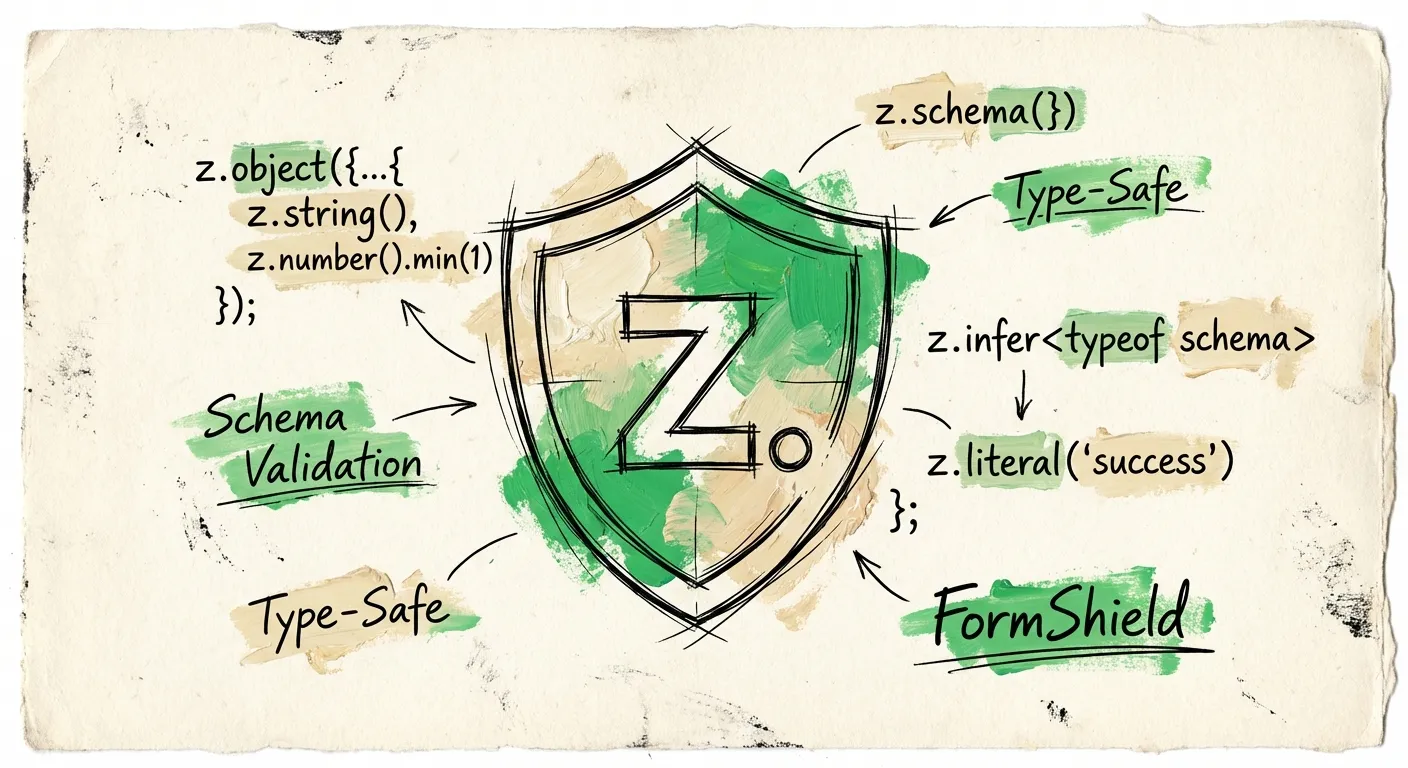
Form validation in TypeScript used to be a mess. You’d write validation logic twice - once for runtime checks, once for type definitions. Then you’d hope they stayed in sync. They never did.
Zod fixes this. One schema. Types inferred automatically. Runtime validation that actually matches your TypeScript types.
This guide covers everything you need to know about Zod form validation. From basic schemas to complex custom validators. We’ll build real forms with React Hook Form integration. By the end, you’ll have bulletproof type-safe validation.
Why Zod for Form Validation?
Three reasons Zod dominates form validation in TypeScript projects:
Type inference. Define your schema once. Zod infers the TypeScript type automatically. No more maintaining separate interfaces.
import { z } from 'zod';

const userSchema = z.object({
  email: z.string().email(),
  age: z.number().min(18),
});

// Type is automatically inferred
type User = z.infer<typeof userSchema>;
// { email: string; age: number }
Composable schemas. Build complex validation from simple pieces. Extend, merge, and transform schemas without losing type safety.
Excellent error messages. Zod gives you structured errors with paths. You know exactly which field failed and why.
Schema Basics
Let’s start with the primitives. Every form field maps to a Zod type.
Strings
Most form fields are strings. Zod gives you chainable validators:
const nameSchema = z.string()
  .min(2, 'Name must be at least 2 characters')
  .max(50, 'Name cannot exceed 50 characters');

const emailSchema = z.string()
  .email('Please enter a valid email address');

const urlSchema = z.string()
  .url('Please enter a valid URL');
Custom error messages go in the second argument. Skip it and Zod provides sensible defaults.
Numbers
Form inputs return strings. Handle the conversion:
const ageSchema = z.coerce.number()
  .int('Age must be a whole number')
  .min(18, 'Must be 18 or older')
  .max(120, 'Invalid age');
The coerce prefix converts strings to numbers automatically. Essential for form handling.
Optionals and Defaults
Not every field is required:
const profileSchema = z.object({
  name: z.string().min(1),
  bio: z.string().optional(), // string | undefined
  website: z.string().url().or(z.literal('')), // allow empty string
  newsletter: z.boolean().default(false),
});
Use .optional() for truly optional fields. Use .default() when you want a fallback value.
Enums
For dropdowns and radio buttons:
const roleSchema = z.enum(['admin', 'user', 'guest']);

// Or from an existing array
const COUNTRIES = ['US', 'UK', 'CA', 'AU'] as const;
const countrySchema = z.enum(COUNTRIES);
Zod enums are type-safe. Try to pass an invalid value and TypeScript complains.
Building Form Schemas
Real forms need object schemas. Combine primitives into a complete validation:
const contactFormSchema = z.object({
  name: z.string().min(1, 'Name is required'),
  email: z.string().email('Invalid email address'),
  phone: z.string().optional(),
  subject: z.enum(['general', 'support', 'sales']),
  message: z.string()
    .min(10, 'Message must be at least 10 characters')
    .max(1000, 'Message cannot exceed 1000 characters'),
});

type ContactForm = z.infer<typeof contactFormSchema>;
That’s it. One schema defines both validation rules and TypeScript types.
Custom Validators with Refine
Built-in validators cover most cases. For custom logic, use refine:
const passwordSchema = z.string()
  .min(8, 'Password must be at least 8 characters')
  .refine(
    (password) => /[A-Z]/.test(password),
    'Password must contain at least one uppercase letter'
  )
  .refine(
    (password) => /[0-9]/.test(password),
    'Password must contain at least one number'
  );
Each refine runs in sequence. First failure stops the chain and returns that error.
Cross-Field Validation
Password confirmation is the classic example. Validate fields against each other:
const registrationSchema = z.object({
  email: z.string().email(),
  password: z.string().min(8),
  confirmPassword: z.string(),
}).refine(
  (data) => data.password === data.confirmPassword,
  {
    message: "Passwords don't match",
    path: ['confirmPassword'], // Error shows on this field
  }
);
The path option controls which field displays the error. Without it, the error attaches to the root object.
Async Validation
Need to check if an email exists in your database? Use superRefine for async:
const signupSchema = z.object({
  email: z.string().email(),
  username: z.string().min(3),
}).superRefine(async (data, ctx) => {
  const emailExists = await checkEmailExists(data.email);
  if (emailExists) {
    ctx.addIssue({
      code: z.ZodIssueCode.custom,
      message: 'Email already registered',
      path: ['email'],
    });
  }

  const usernameExists = await checkUsernameExists(data.username);
  if (usernameExists) {
    ctx.addIssue({
      code: z.ZodIssueCode.custom,
      message: 'Username already taken',
      path: ['username'],
    });
  }
});
superRefine gives you full control. Add multiple issues. Set custom codes. Handle complex validation logic.
Error Handling
Zod provides structured errors. Parse safely and handle failures:
const result = contactFormSchema.safeParse(formData);

if (!result.success) {
  // result.error is a ZodError
  const errors = result.error.flatten();

  console.log(errors.fieldErrors);
  // { name: ['Name is required'], email: ['Invalid email address'] }

  console.log(errors.formErrors);
  // Errors not tied to a specific field
}
The flatten() method groups errors by field. Perfect for displaying in forms.
Format Errors for Display
Here’s a helper to convert Zod errors into a field-error map:
function getFormErrors<T>(
  result: z.SafeParseReturnType<T, T>
): Record<string, string> {
  if (result.success) return {};

  const errors: Record<string, string> = {};

  for (const issue of result.error.issues) {
    const path = issue.path.join('.');
    if (!errors[path]) {
      errors[path] = issue.message;
    }
  }

  return errors;
}

// Usage
const result = schema.safeParse(data);
const errors = getFormErrors(result);
// { email: 'Invalid email address', 'address.zip': 'Invalid zip code' }
React Hook Form Integration
Zod pairs beautifully with React Hook Form. The @hookform/resolvers package handles the integration:
npm install react-hook-form @hookform/resolvers zodHere’s a complete contact form:
import { useForm } from 'react-hook-form';
import { zodResolver } from '@hookform/resolvers/zod';
import { z } from 'zod';

const schema = z.object({
  name: z.string().min(1, 'Name is required'),
  email: z.string().email('Invalid email address'),
  message: z.string()
    .min(10, 'Message must be at least 10 characters'),
});

type FormData = z.infer<typeof schema>;

export function ContactForm() {
  const {
    register,
    handleSubmit,
    formState: { errors, isSubmitting },
  } = useForm<FormData>({
    resolver: zodResolver(schema),
  });

  async function onSubmit(data: FormData) {
    const response = await fetch('/api/contact', {
      method: 'POST',
      headers: { 'Content-Type': 'application/json' },
      body: JSON.stringify(data),
    });

    if (response.ok) {
      // Handle success
    }
  }

  return (
    <form onSubmit={handleSubmit(onSubmit)}>
      <div>
        <label htmlFor="name">Name</label>
        <input id="name" {...register('name')} />
        {errors.name && (
          <span className="error">{errors.name.message}</span>
        )}
      </div>

      <div>
        <label htmlFor="email">Email</label>
        <input id="email" type="email" {...register('email')} />
        {errors.email && (
          <span className="error">{errors.email.message}</span>
        )}
      </div>

      <div>
        <label htmlFor="message">Message</label>
        <textarea id="message" {...register('message')} rows={5} />
        {errors.message && (
          <span className="error">{errors.message.message}</span>
        )}
      </div>

      <button type="submit" disabled={isSubmitting}>
        {isSubmitting ? 'Sending...' : 'Send Message'}
      </button>
    </form>
  );
}
The zodResolver connects your schema to React Hook Form. Types flow through automatically. Errors display where they belong.
Number Inputs
HTML inputs return strings. Tell React Hook Form to convert:
const schema = z.object({
  age: z.coerce.number().min(18).max(120),
  quantity: z.coerce.number().int().positive(),
});

// In your form
<input
  type="number"
  {...register('age', { valueAsNumber: true })}
/>
The valueAsNumber option plus z.coerce.number() handles the string-to-number conversion.
Validation Modes
Control when validation runs:
const { register, handleSubmit } = useForm<FormData>({
  resolver: zodResolver(schema),
  mode: 'onBlur', // Validate when field loses focus
  // Other options: 'onChange', 'onSubmit', 'onTouched', 'all'
});
onBlur is the sweet spot for most forms. Users see errors after leaving a field. Not while typing.
Advanced Patterns
Nested Objects
Forms with address fields, billing info, and other nested data:
const orderSchema = z.object({
  customer: z.object({
    name: z.string().min(1),
    email: z.string().email(),
  }),
  shipping: z.object({
    street: z.string().min(1),
    city: z.string().min(1),
    state: z.string().length(2),
    zip: z.string().regex(/^\d{5}(-\d{4})?$/),
  }),
  sameAsBilling: z.boolean(),
});
Access nested fields with dot notation:
<input {...register('shipping.street')} />
{errors.shipping?.street && (
  <span>{errors.shipping.street.message}</span>
)}
Dynamic Arrays
For forms with variable-length lists like phone numbers or addresses:
const schema = z.object({
  name: z.string(),
  emails: z.array(
    z.string().email('Invalid email')
  ).min(1, 'At least one email is required'),
});
Use React Hook Form’s useFieldArray for the UI:
import { useFieldArray } from 'react-hook-form';

const { fields, append, remove } = useFieldArray({
  control,
  name: 'emails',
});

return (
  <>
    {fields.map((field, index) => (
      <div key={field.id}>
        <input {...register(`emails.${index}`)} />
        <button type="button" onClick={() => remove(index)}>
          Remove
        </button>
      </div>
    ))}
    <button type="button" onClick={() => append('')}>
      Add Email
    </button>
  </>
);
Conditional Fields
Sometimes field requirements depend on other values:
const schema = z.discriminatedUnion('contactMethod', [
  z.object({
    contactMethod: z.literal('email'),
    email: z.string().email(),
  }),
  z.object({
    contactMethod: z.literal('phone'),
    phone: z.string().min(10),
  }),
]);
Discriminated unions validate different shapes based on a literal field. Clean and type-safe.
Transform Data
Clean and transform input data during validation:
const schema = z.object({
  email: z.string()
    .email()
    .transform(email => email.toLowerCase().trim()),
  phone: z.string()
    .transform(phone => phone.replace(/\D/g, '')), // Strip non-digits
});
Transforms run after validation passes. The output type reflects the transformation.
Server-Side Validation
Client-side validation improves UX. Server-side validation provides security. You need both.
Use the same schema on your API route:
// app/api/contact/route.ts
import { NextRequest, NextResponse } from 'next/server';
import { z } from 'zod';

const schema = z.object({
  name: z.string().min(1),
  email: z.string().email(),
  message: z.string().min(10).max(1000),
});

export async function POST(request: NextRequest) {
  const body = await request.json();
  const result = schema.safeParse(body);

  if (!result.success) {
    return NextResponse.json(
      { errors: result.error.flatten().fieldErrors },
      { status: 400 }
    );
  }

  // result.data is now typed and validated
  const { name, email, message } = result.data;

  // Process the submission...

  return NextResponse.json({ success: true });
}
Share schemas between client and server. Put them in a shared package or export from a common file. One source of truth for validation rules.
Beyond Validation: Spam Protection
Zod handles data validation. But what about spam?
A valid email format doesn’t mean a legitimate user. Spammers use real email addresses. They fill forms correctly. They bypass CAPTCHA with human-solving services.
This is where FormShield comes in. While Zod validates your data structure, FormShield analyzes the submission for spam signals:
- IP reputation and VPN detection
- Disposable email identification
- AI-powered content analysis
- Behavioral patterns like submission timing
Combine both for bulletproof forms:
import { z } from 'zod';
import { checkForm } from '@formshield/next';

const schema = z.object({
  name: z.string().min(1),
  email: z.string().email(),
  message: z.string().min(10),
});

export async function POST(request: NextRequest) {
  const body = await request.json();

  // Step 1: Validate structure with Zod
  const result = schema.safeParse(body);
  if (!result.success) {
    return NextResponse.json(
      { errors: result.error.flatten().fieldErrors },
      { status: 400 }
    );
  }

  // Step 2: Check for spam with FormShield
  const spamCheck = await checkForm({
    email: result.data.email,
    name: result.data.name,
    content: result.data.message,
    ip: request.ip,
  });

  if (spamCheck.action === 'block') {
    // Return fake success to avoid revealing detection
    return NextResponse.json({ success: true });
  }

  // Step 3: Process legitimate submission
  await sendEmail(result.data);

  return NextResponse.json({ success: true });
}
Zod ensures data integrity. FormShield ensures data authenticity.
Common Gotchas
Empty strings vs undefined. HTML forms send empty strings, not undefined:
// This won't catch empty strings
z.string().optional()

// Use this instead
z.string().min(1).optional().or(z.literal(''))
Number coercion fails on empty strings. Handle gracefully:
z.union([
  z.coerce.number(),
  z.literal('').transform(() => undefined)
]).optional()
Checkbox values. HTML checkboxes send strings:
// Transform checkbox string to boolean
z.string()
  .optional()
  .transform(val => val === 'on')
Performance Tips
Parse early, parse once. Don’t validate on every render. Parse in the submit handler or use React Hook Form’s resolver.
Share schemas. Import the same schema on client and server. Don’t duplicate validation logic.
Use discriminated unions. They’re more efficient than regular unions with refine.
Resources
- Zod Documentation - Official docs with comprehensive API reference
- React Hook Form - Performant form library for React
- @hookform/resolvers - Validation resolvers including Zod
Wrapping Up
Zod transforms form validation from a chore into a feature. Type safety without extra work. Composable schemas. Clear error messages.
Start with basic schemas. Add custom validators as needed. Integrate with React Hook Form for the best developer experience. Share schemas between client and server.
And remember - validation checks data format. For spam protection, you need something more. Check out FormShield to add intelligent spam detection to your validated forms.
Build forms that are both valid and spam-free.